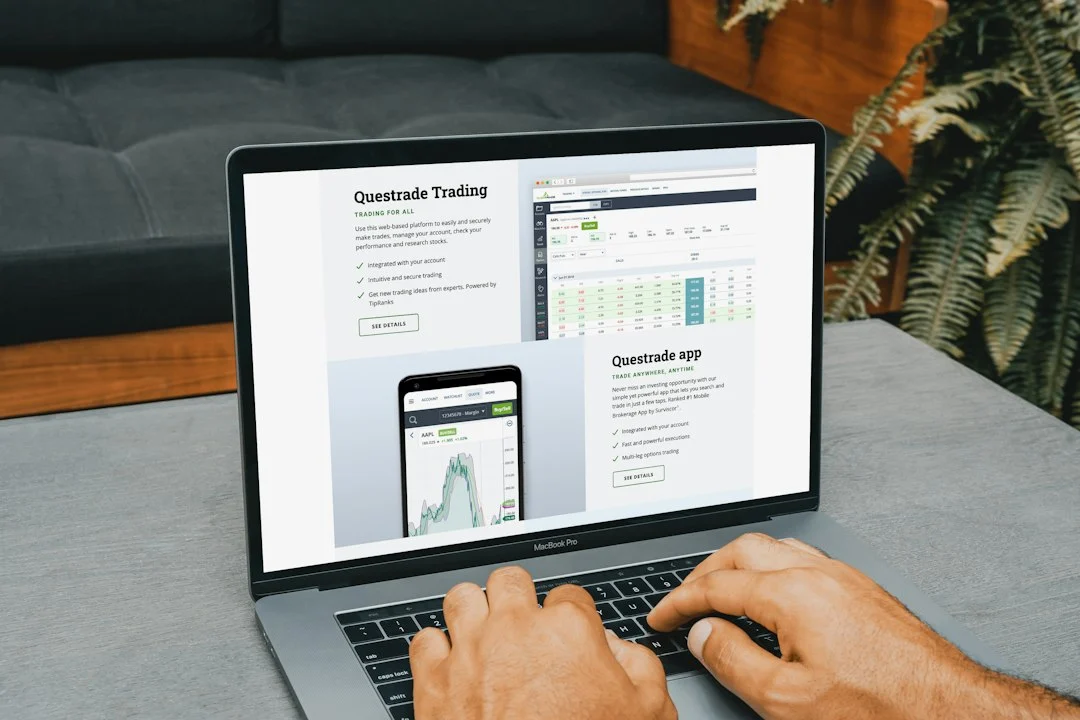
Buying workplace applications used to mean massive upfront costs, physical installation discs, and endless updates managed by an internal IT team. Today, cloud platforms have completely shifted how companies operate. Choosing between a modern cloud subscription and traditional business software isn’t just about technology preference. It affects cash flow, security, and how fast your team can adapt to changes.
Moving From Traditional Business Software to the Cloud
Older office programs lived permanently on local hard drives or an office server room. You bought a licence once, installed it locally, and kept that exact version for years. Upgrades meant buying an entirely new edition when support ended. Modern cloud alternatives work differently. Vendors host everything on remote servers, letting staff log in through a standard web browser anywhere in the UK.
This shift changes financial planning entirely. Instead of large capital expenses hitting your accounts every three years, you pay smaller, predictable monthly or annual fees. Before committing funds, many founders look closely at subscription pricing structures to understand long-term costs. Cash flow stays healthier when you aren’t dropping thousands upfront on desktop installation packages.
The Myth of Complete Ownership
Many business owners assume buying boxed programmes gives them permanent ownership and total control. That is rarely true. Most older licences include strict terms limiting installation to specific devices. When the developer drops support, your secure local program becomes an unsupported liability.
Cloud systems remove maintenance burdens. Updates happen automatically overnight. Security patches roll out without your team lifting a finger. You never have to worry about whether a workstation meets the hardware requirements for the latest patch.
Why Traditional Business Software Still Appeals to Some Teams
Despite cloud popularity, traditional business software still holds a place in specific industries. Strict data residency rules or offline operational requirements sometimes demand local storage. Factories with spotty internet connectivity cannot rely on platforms requiring constant web access.
Local setups also eliminate recurring subscription fatigue. If your company prefers a predictable one-off expense and has dedicated system administrators to handle backups, local programs work well. You avoid vendor price hikes and sudden service changes.
Hidden Costs and Practical Realities
On-premise tools demand internal resources. If a server crashes on a Friday afternoon, your internal staff must fix it. Cloud platforms shift that responsibility to the provider. Yet cloud setups bring their own hurdles. Subscription fees accumulate over time. Pay for ten years of a cloud tool, and you might spend far more than a single local licence cost.
Integration creates another challenge. Older desktop tools often struggle to talk to modern communication apps or automated billing platforms. Cloud solutions usually connect instantly via built-in application programming interfaces. Your staff spends less time moving data manually between separate programs.
Making the Right Choice for Your Organisation
Start by auditing your current tech stack. Look at what your team uses daily and where bottlenecks happen. If remote collaboration matters most, cloud platforms win easily. If you handle highly regulated data offline with dedicated IT staff, older desktop models might still suit you.
Assess your budget realistically. Calculate total ownership costs over a five-year window rather than looking only at year-one pricing. Talk to your team about daily frustrations. The right software should solve problems, not create new ones.
For more information, visit our website.
Related reading
- What Is Two-Factor Authentication and Why Does It Matter?
- Cloud Accounting Software: What to Look For