Finding reliable AI tools for content creators often feels like chasing a moving target. Every week brings a fresh batch of apps promising miracles. Most of them just waste your subscription fee. You don’t need a hundred different browser tabs open to edit a simple video or draft a newsletter. You need software that actually speeds up your workflow.
The Myth of the All-in-One Creator Suite
Software marketers love selling the dream of a single platform that handles everything. They claim one dashboard writes scripts, edits video, schedules posts, and generates thumbnails. Reality tells a different story. Jack-of-all-trades software usually compromises on depth.
A tool built specifically for automated video captioning will always outperform a generic writing app bolted onto a video timeline. Dedicated platforms focus on doing one specific job exceptionally well. Splitting your toolkit across two or three specialist apps saves time in the long run.
Fact: Writing Assistants Need Heavy Editing
Drafting blog posts or social captions with artificial intelligence speeds up the blank page phase. But publishing raw output straight from a language model looks robotic. Readers spot generic phrasing instantly.
Think of these systems as junior research assistants. They gather structure and outline points quickly. You provide the human voice, fact-checking, and actual personality. If you want to understand how these underlying systems function, read our guide on what is generative AI before committing to a paid plan.
Video and Audio Editing Software That Saves Hours
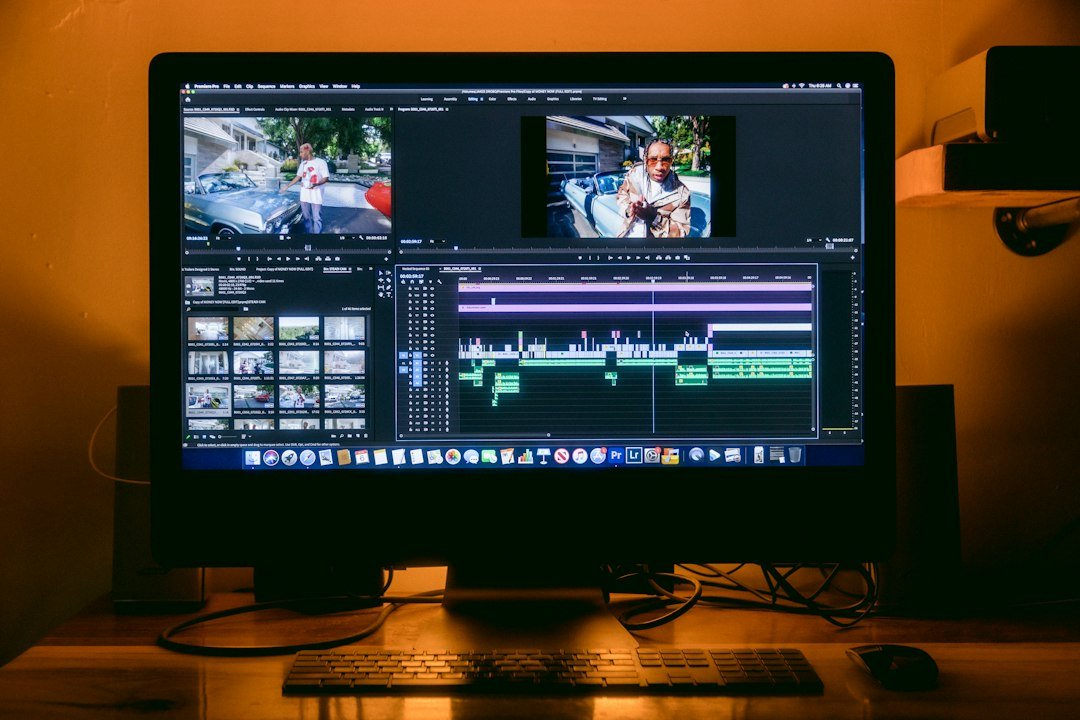
Editing raw footage eats up most of a creator’s day. Modern software changes this bottleneck entirely. Tools like Descript let you edit video by modifying text transcripts. Delete a paragraph in the document, and the corresponding video clip disappears.
Audio cleanup tools also remove background hums in seconds. They isolate voice tracks without sounding robotic or hollow. These specific features justify monthly subscription costs much faster than flashy graphics generators ever will.
Choosing Between Monthly and Annual Billing
Software companies always push yearly sign-ups by offering steep discounts. Before locking yourself into a twelve-month contract, test the monthly tier first. Creator workflows shift rapidly. An app you love today might sit unused next month. Check our breakdown of monthly vs annual SaaS plans to calculate your actual risk.
Image Generation for Thumbnails and Social Media
Custom visuals stop the scroll. Midjourney and DALL-E handle abstract concepts well, but creating consistent brand imagery takes deliberate prompt engineering. Stock photography still has its place, especially for clean product shots.
When generating graphics for YouTube thumbnails, keep text minimal. Artificial intelligence still struggles to spell standard words correctly inside images. Always run generated visuals through a final polish step in Canva or Photoshop.
Building Your Actual Toolkit
Start small. Pick one bottleneck in your daily routine. Fix that specific problem first. Adding five new subscriptions at once only creates chaos. Test free trials thoroughly before entering payment details, and cancel anything that doesn’t earn its keep within fourteen days.
For more information, visit our website.