Finding the right web hosting shouldn’t feel like a guessing game
You have built your pages, picked a domain name, and now you need a server to store everything online. Picking the right web hosting plan often feels overwhelming because companies throw technical jargon at you constantly. Storage limits, bandwidth caps, and uptime guarantees fill every sales page. Most of those details matter less than you think.
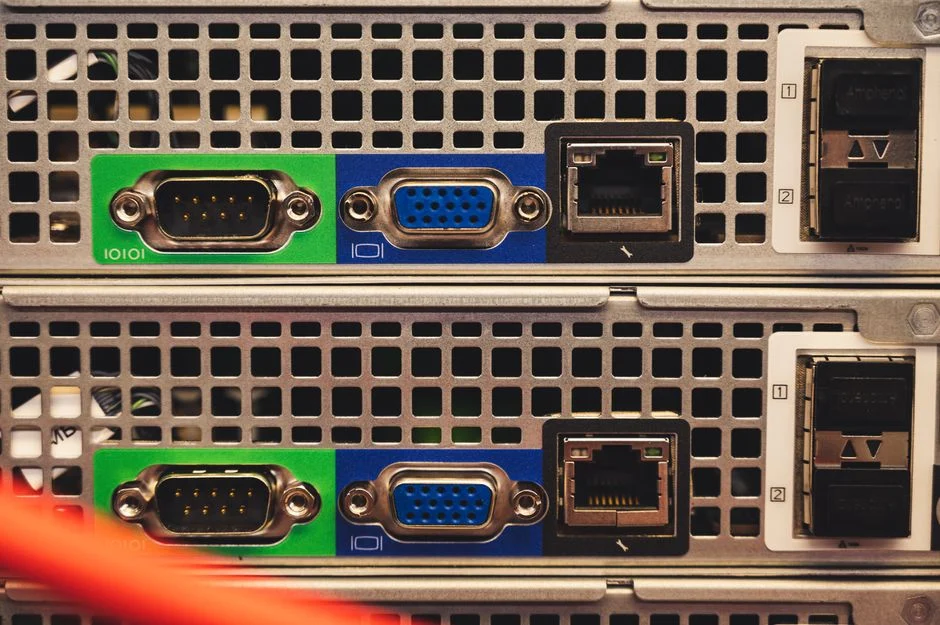
You need a setup that keeps your pages loading fast without crashing when visitor traffic spikes. A small local portfolio needs entirely different resources than a busy online store selling products across the UK. Let’s look at what actually matters when you are shopping for a provider.
Shared servers versus cloud options
Most beginners start with shared hosting because it costs very little. Your site sits on a massive machine alongside hundreds of other pages. It works fine for low-traffic blogs or local business brochures. If your neighbour on that same server gets a sudden surge in visitors, your own loading times might crawl to a halt.
Cloud hosting spreads your files across a network of virtual machines. If one physical machine fails, another takes over instantly. It costs more than shared plans, but you get much better reliability. Growing businesses usually outgrow shared setups within their first year.
Storage types and why speed matters
Hard drive technology has evolved past older spinning disks. Solid-state drives (SSDs) load data significantly faster. Never buy a plan that uses outdated mechanical hard drives if you care about search rankings. A slow server frustrates visitors before they even read your first paragraph. Speed also connects directly to your technical setup, similar to how you manage server-side security like two-factor authentication to protect your accounts from unauthorised entry.
Uptime guarantees and support quality
Every host promises ninety-nine percent uptime. Read the fine print carefully. Scheduled maintenance often gets excluded from those calculations. Look for independent monitoring reviews rather than trusting marketing claims.
When something breaks at midnight, good customer support saves your day. Test their live chat before handing over your credit card. Ask a specific technical question about PHP versions or server firewalls. See how fast a real human replies instead of an automated bot.
Control panels and migration help
Managing files without a decent control panel turns simple tasks into frustrating chores. Most hosts use standard dashboards like cPanel or custom interfaces. Make sure you can install SSL certificates easily without paying extra fees.
If you already have a live site somewhere else, check migration policies. Some companies move your files for free. Others charge steep fees or expect you to handle database imports entirely on your own. Pick a provider that makes moving straightforward.
For more information, visit our website.
Related reading
- Passkeys vs Passwords: Which One Should You Use?
- Web Hosting Explained: Shared vs VPS vs Cloud Hosting