
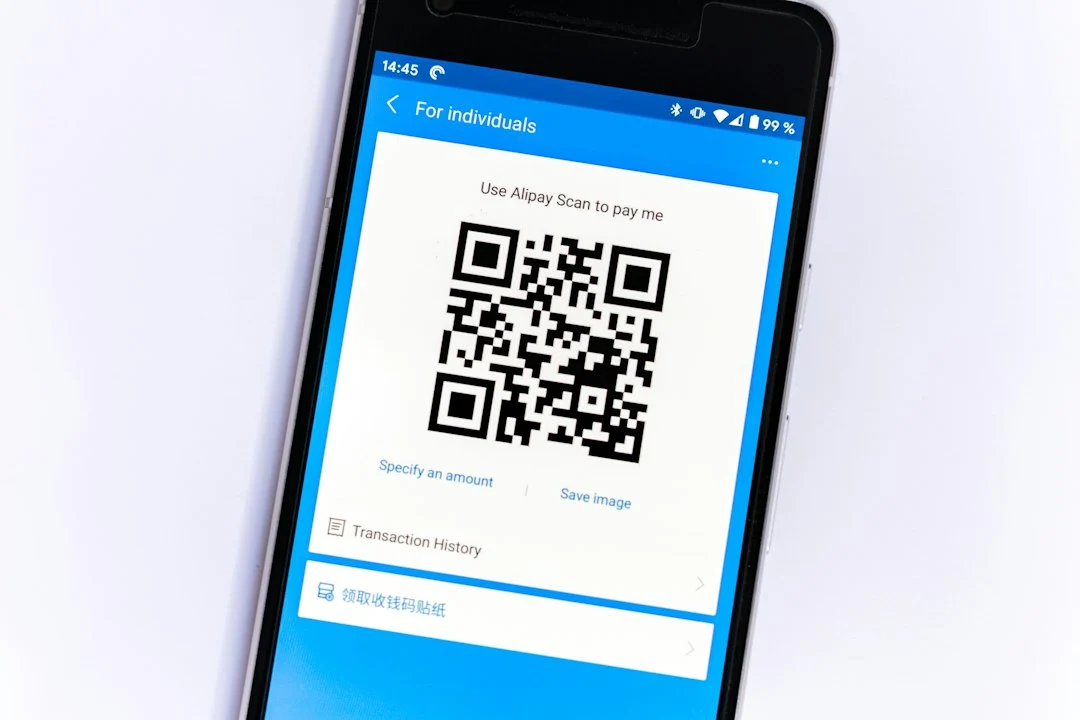
A stolen password used to mean game over for your online accounts. Today, two-factor authentication changes that equation by adding an extra barrier between your personal data and digital thieves. If someone manages to guess your secret combination, they still cannot get inside without a secondary code or physical device.

The Password Problem
People reuse identical passwords across dozens of websites. Hackers know this human habit well. When one minor forum suffers a data breach, criminals harvest those leaked credentials and test them everywhere else. They check your banking apps, your email inbox, and your social profiles within seconds using automated scripts.
Strong passwords still matter. But they fail completely when a phishing page tricks you into handing them over directly. That is where layered security comes in to save the day.
How Two-Factor Authentication Stops Intruders
Think of this security layer like an airport security checkpoint. Showing your passport isn’t enough; you also need a boarding pass or facial recognition scan. When you log into an account with two-factor authentication enabled, the service demands two distinct pieces of evidence.
- Something you know, such as your password or PIN
- Something you have, such as your smartphone or a hardware security key
- Something you are, such as a fingerprint or facial scan
Even if an attacker intercepts your typed password on a public network, they lack physical access to your phone or your authenticator app. The login attempt fails right there.
Common Types Explained
Not all verification methods offer equal protection. Text messages remain the most common option offered by banks and retailers. However, SMS messages can be intercepted through SIM swapping attacks where criminals trick mobile operators into moving your phone number to their own device.
Authenticator apps like Google Authenticator or Authy generate time-based codes locally on your handset without needing a mobile signal. These are much safer than text messages. Physical security keys, like a YubiKey, represent the gold standard because they require you to physically plug a device into your computer or tap it against your phone.
Setting Up Your Defences
Start with your most critical accounts. Your primary email address deserves top priority because a hacker who controls your inbox can reset passwords for every other service you use. Turn on two-factor authentication there immediately, then move on to financial platforms and cloud storage.
Save your backup codes in a secure vault. If you lose your phone, those recovery codes act as your emergency escape hatch.
For more information, visit our website.
Learn more on Wikipedia: Two-factor authentication.
Related reading
Update: Content rule
Update: SaaS vs Traditional Business Software: Key Differences



