

Everyone on your team uses artificial intelligence differently. Sarah writes long, detailed instructions for drafting emails. Mark uses short, punchy phrases that barely give the software enough context. The results vary wildly. Quality swings from brilliant to useless, and nobody knows why. Fixing this chaos requires a shared company software selection guide approach, but specifically applied to how your staff talk to language models.
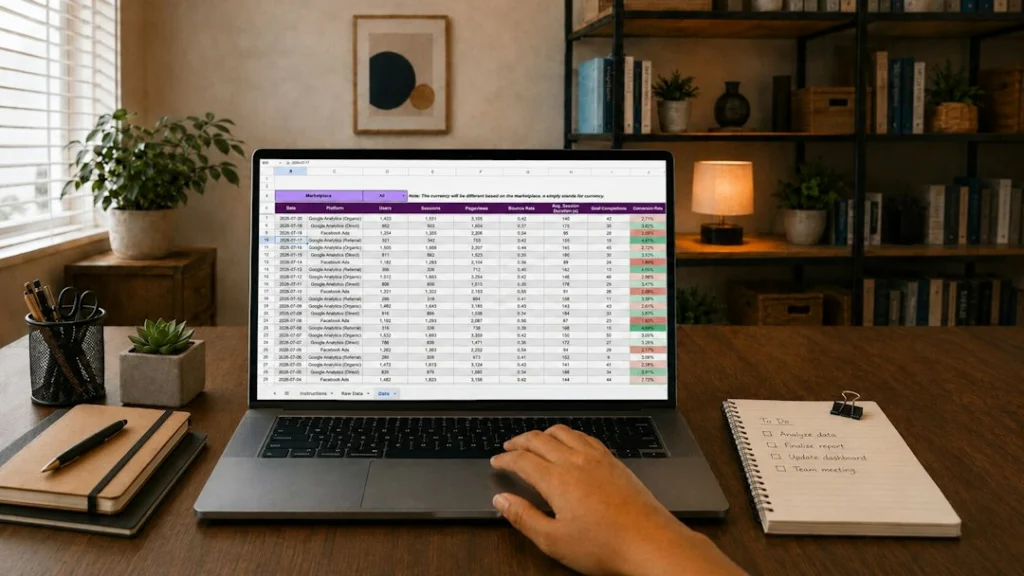
You need a central repository. This guide covers how to build an AI prompt library that your staff will actually open and use.
Audit What Your Team Is Already Doing
Stop guessing what prompts your staff need. Ask them instead. Most workers already keep a chaotic mix of notes, sticky pads, or chat histories filled with instructions that actually worked.
Run a quick survey. Ask team members to share three text inputs they reuse every week. You will likely spot massive duplication. Three different people in marketing might write separate instructions for summarising client feedback. Bring those drafts into the open.
Look for patterns. Identify tasks that consume hours of daily time. Customer support replies, data cleanup, and meeting notes top this list for most businesses. Focus your initial library building efforts strictly on these high-frequency tasks. Ignore edge cases for now.
Choose Your Storage Platform
Your team already uses specific apps daily. Pick a storage spot they already open without prompting. Do not force staff to log into yet another standalone platform.
Notion, Confluence, or even a simple shared spreadsheet work well. The tool matters less than the structure. Make sure permissions are set correctly. Everyone needs read access, but only designated editors should alter approved templates.
Organise entries logically. Do not dump every text snippet into one endless folder. Group prompts by department, task type, or specific software tool. Marketing staff should not need to scroll past developer debugging instructions just to find a social media caption generator.
Write Standardised Templates
Raw prompts rarely work well for everyone. A good template leaves room for custom input while locking down the core logic. Use clear placeholders like brackets for variable text.
Here is a basic formula. State the exact role the software must adopt. Provide the core task. Outline format rules clearly. Add constraints at the end.
Avoid overly complex logic chains in early templates. Keep instructions simple. If a prompt requires ten paragraphs of setup, staff will abandon it immediately. Test every template yourself before publishing it to the team database.
Establish a Testing and Feedback Loop
An AI prompt library decays quickly. Software updates change how language models respond to specific phrasing. A brilliant instruction from six months ago might produce mediocre output today.
Assign one person responsibility for maintenance. They check templates monthly. Staff should flag broken or outdated text snippets easily. Add a simple comment section next to every entry in your spreadsheet or wiki page.
Encourage staff to submit new discoveries. Reward team members who find better ways to structure inputs. Cultivating shared ownership prevents the library from becoming a top-down rulebook that nobody respects.
Roll Out the System Without Bureaucracy
Launch your new resource quietly. Host a short fifteen-minute workshop. Show everyone where the files live and how to copy a template.
Do not mandate rigid compliance on day one. Let people adopt the resource naturally. When colleagues see that pre-tested instructions save them twenty minutes on a Friday afternoon, they start using the system voluntarily.
Keep improving the structure based on real usage habits. A well-maintained prompt library transforms messy trial and error into a reliable corporate asset.
For more information, visit our website.
Related reading
Update: Canonical URLs Explained
Update: How to Check Whether Your Email Has Been in a Data Breach



