- Why Choosing Essential WordPress Plugins Matters for Performance
- 1. Security Firewalls and Login Protection
- 2. Caching and Performance Optimisation
- 3. Search Engine Optimisation Frameworks
- 4. Reliable Automated Backup Systems
- 5. Contact Forms for Visitor Communication
- Managing Your Plugin Library Over Time
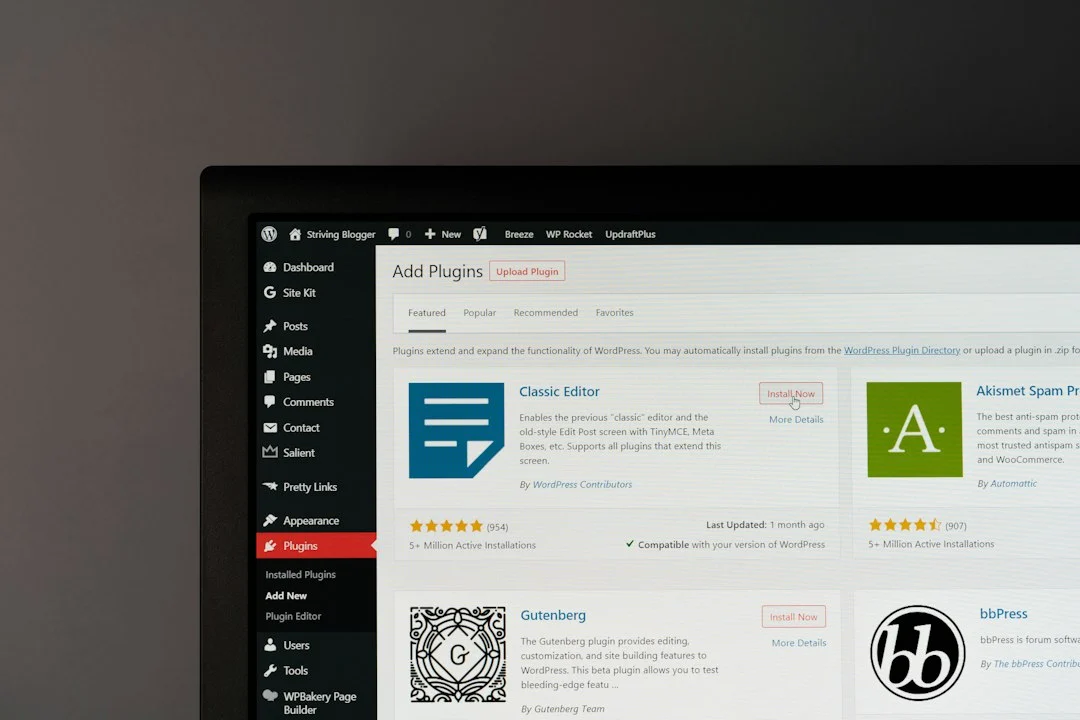
You just installed WordPress. Your domain is active, and your fresh dashboard sits there waiting for content. Before you write a single blog post, you need to sort out your site’s foundation. Choosing the right essential WordPress plugins determines how fast your pages load, how well search engines find you, and whether hackers break into your admin panel on day one.
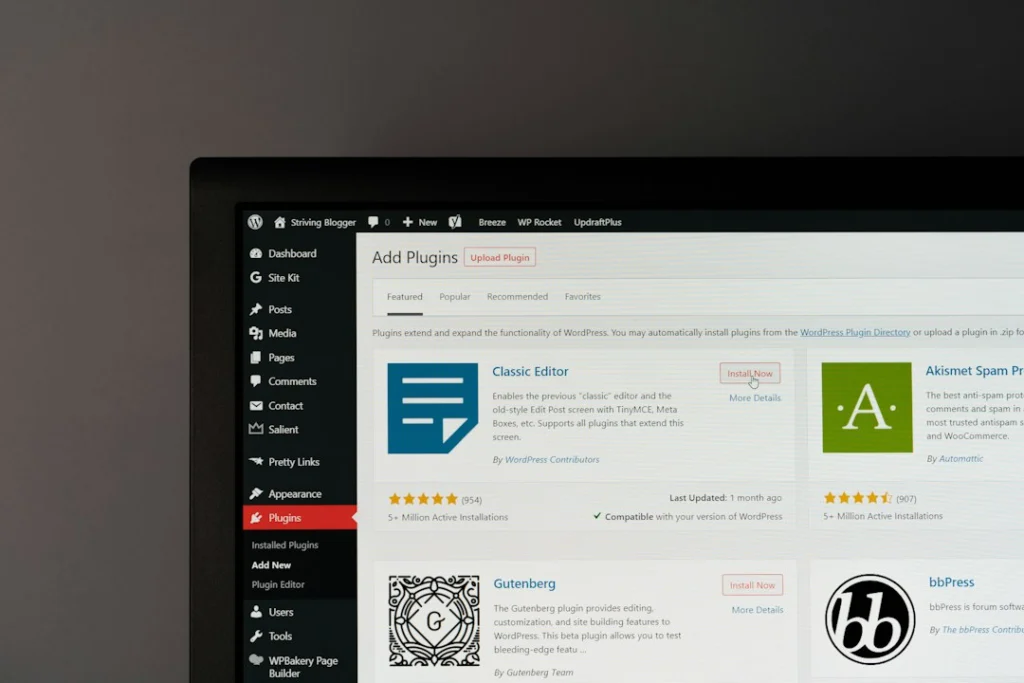
Many beginners make the mistake of installing dozens of tools right away. That approach ruins performance. Every extra piece of software adds code to your database and increases page load times. You want a lean setup. You only want tools that solve major operational problems. If you are still figuring out your foundation, you might also want to read our guide on web hosting explained to ensure your server can handle whatever software you install.
Why Choosing Essential WordPress Plugins Matters for Performance
Bloat kills websites. A clean installation of WordPress runs fast. Add thirty random add-ons, and things grind to a halt. Poorly coded tools conflict with your theme. They create database errors. They trigger timeout warnings when visitors try to view your homepage.
Stick to a tight budget of utility tools. You need security, caching, search engine optimisation, backups, and contact forms. Anything else is optional until your traffic grows and demands extra features. Let us look at the specific categories you must cover.
1. Security Firewalls and Login Protection
Your login page attracts automated attacks within hours of going live. Bots hammer your URL with thousands of password guesses every single day. If you use a weak password like ‘admin’, your site falls within minutes. You need a dedicated security layer.
Plugins like Wordfence or Solid Security block brute-force attempts. They monitor file changes. They alert you if someone tampers with core files. A good firewall stops malicious traffic before it even reaches your server resources. Set up two-factor authentication alongside your firewall. That single step stops almost all unauthorized login attempts cold.
2. Caching and Performance Optimisation
WordPress builds pages dynamically. Every time a visitor clicks your link, PHP and MySQL scramble to piece your header, sidebar, and text together. That process takes time. Caching creates static HTML copies of your pages and serves those instead.
Tools like LiteSpeed Cache, WP Rocket, or W3 Total Cache handle this heavy lifting. They also minify your CSS and JavaScript files, stripping out empty spaces and comment lines to shrink file sizes. Smaller files mean faster downloads. Faster downloads mean happier visitors who do not bounce away before your content renders.
3. Search Engine Optimisation Frameworks
Search engines need help understanding your content structure. They read your title tags, meta descriptions, and XML sitemaps to index your pages properly. An SEO add-on acts as your backstage manager.
Rank Math and Yoast SEO dominate this space. They give you a clear scoring system for every post you write. They let you control how your snippets appear on search engine results pages. They also generate sitemaps automatically. Do not install two SEO tools at once. Pick one and learn its interface thoroughly. They overlap in features, and running both creates conflicts that break your meta tags entirely.
4. Reliable Automated Backup Systems
Hosting companies take server backups, but you cannot rely on them alone. Hard drives fail. Software updates corrupt databases. If your site breaks on a Tuesday afternoon, you need a fresh copy stored safely off-site.
UpdraftPlus or BlogVault automate this critical chore. Configure them to push backups straight to cloud storage like Google Drive, Dropbox, or Amazon S3. Set a schedule. Run database backups daily and full file backups weekly. Test your restore process once. A backup you cannot restore is just dead weight taking up storage space.
5. Contact Forms for Visitor Communication
WordPress lacks a built-in form builder. If you want people to reach out with questions, sales inquiries, or feedback, you need a dedicated form tool.
WPForms, Fluent Forms, or Contact Form 7 get the job done without fuss. Avoid heavy form builders with massive feature lists if you only need a simple contact page. Simpler forms load faster and carry fewer security vulnerabilities. Make sure your form includes a spam prevention mechanism like honeypot fields or reCAPTCHA to keep your inbox clean.
Managing Your Plugin Library Over Time
Maintenance is an ongoing chore. Developers release updates every week. These patches fix bugs and plug security holes. Leaving outdated software running on your server invites exploits.
Check your dashboard weekly. Update items promptly. Delete anything you no longer use. If an add-on has not received an update in over a year, deactivate it and find an active alternative. Abandoned code poses a major risk to your digital presence. Keep your setup minimal, keep your software updated, and your site will run smoothly for years.
For more information, visit our website.